
 Create a Student Account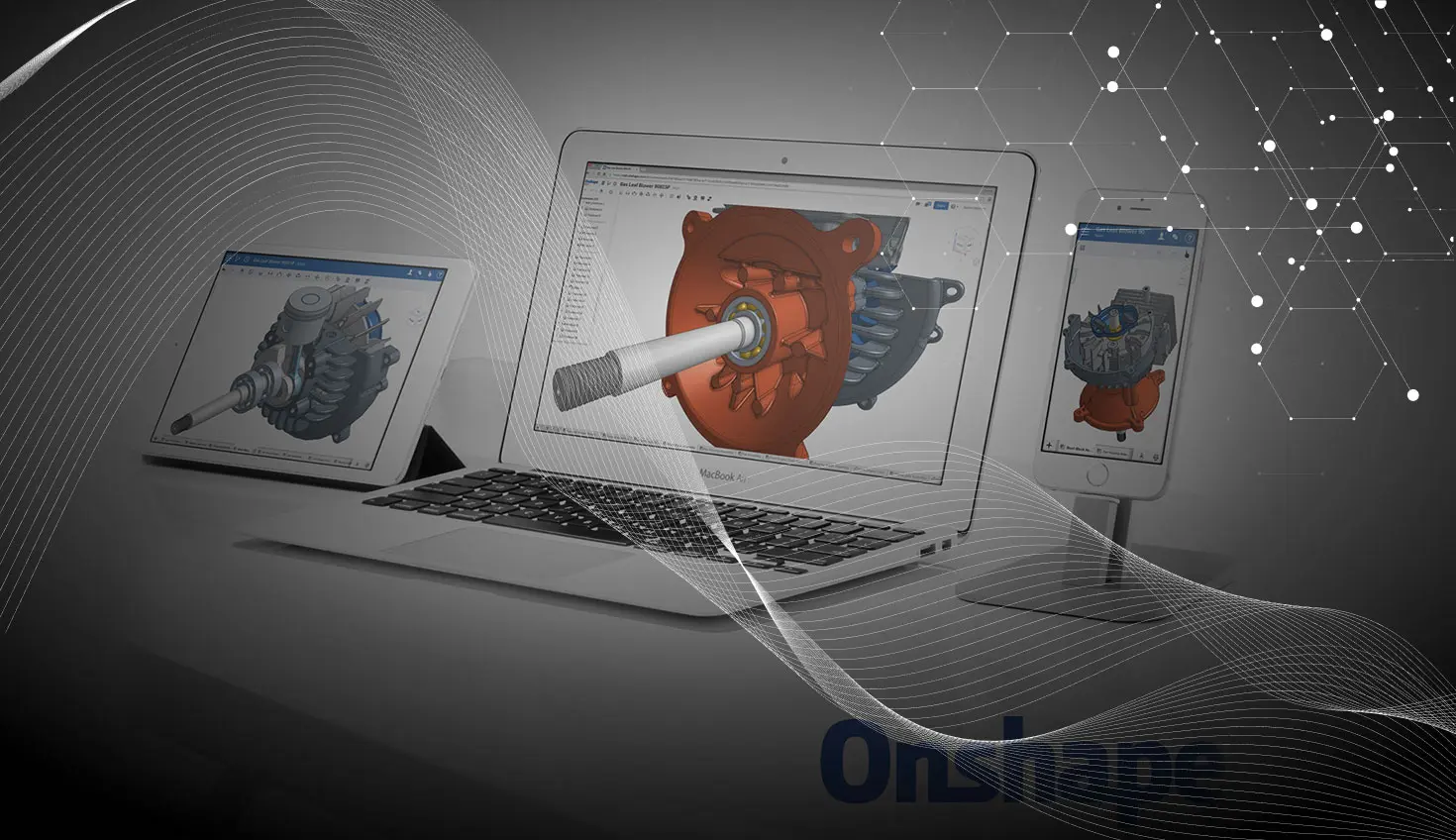
1:17
Last week, there were a number of new improvements added to the Onshape Mobile apps. Let’s take a closer look.
Sketch Slots (Android & iOS)
Slots can now be sketched in both the Android and iOS versions of the Onshape app. Simply select the Slot command from the toolbar and tap the entities you are using to create the slot.
Snap Mode (IOS)
Snap Mode is now available when mating parts in the Onshape Mobile app for iOS. Select the Snap Mode command from the toolbar, choose a mate connector, and then drag that mate connector over another to mate.
Documents With Company As Owner (Android & iOS)
When creating a new Document in the Onshape Mobile app, you will now have the option to choose a company as the owner. After naming your Document, simply select the desired company from the dialog.
Empty Trash (Android)
Trash can now be emptied using the Onshape mobile app. Simply select Trash from the filter, then tap the empty trash icon in the bottom right corner.
New Feature Dialog (Android)
The feature dialog has been redesigned for this update to more closely match the iOS version.
Onshape Mobile apps give you complete access to your full CAD system on your phone or tablet. You can create and edit 3D models wherever you go. So check out the updates at the Apple App Store or Google Play Store and let us know what you think of the new features!
Latest Content
- Blog
- Evaluating Onshape
- Bill of Materials
- Branching & Merging
- Data Management
- Release Management
CAD and PDM Capabilities That Speed Up Every ECO
09.17.2026 learn more- Blog
- Evaluating Onshape
- Education
Intro to Engineering: A Curriculum Built for Your First-Year Course
09.15.2026 learn more- Blog
- Artificial Intelligence
- Custom Features
AI Tokens in CAD: What Engineers Using LLMs and Coding Agents Need to Know
09.10.2026 learn more