
 Créez un compte étudiant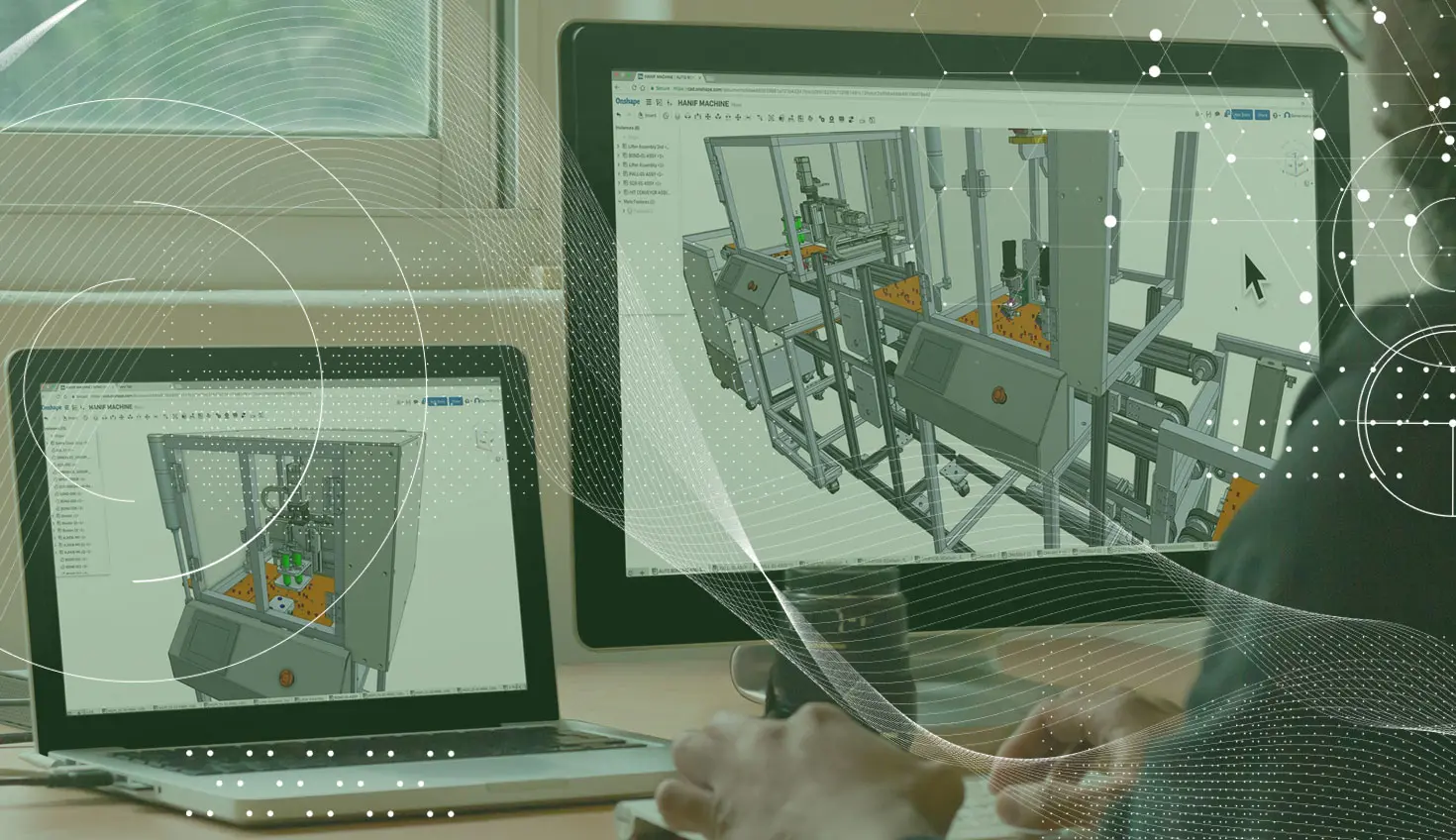
1:09
One common question we hear is, “Does Onshape support having multiple (or dual) monitors?” The answer is yes.
Because Onshape runs in a tab of a web browser, you benefit from all of the browser’s built-in functionality, such as the ability to have many tabs open at the same time. In fact, you can have as many instances of Onshape running as you would like. These tabs can be moved to different monitors (another function of your browser). You can surround yourself with parts, assemblies and drawings to your heart’s content. And of course, because it’s Onshape, if you make a change to anything, it will update everywhere live. So you can make changes to a part shown in one browser, and see the impact in the assembly in another browser immediately.
It’s easy to run multiple sessions of Onshape. Within the Documents page of Onshape, you can right-mouse click any Onshape Document and open it in a new browser tab. You can also right-mouse click on any Onshape Tab (Part Studio, Assembly, Drawing, etc.) and open that specific element up in a new browser tab.
So remember, you can have as many Onshape Tabs open in your browser as you want. You can move them to as many monitors as you want. And Onshape has right-click menu options that make opening new tabs easy. Give it a shot!
Contenu le plus récent
- Blog
- News from Onshape @ PTC
- Artificial Intelligence
- Caractéristiques personnalisées
From Onshape Labs, the FeatureScript MCP Server: The Fastest Path to AI-Driven Design
08.11.2026 En savoir plus- Blog
- Becoming an Expert
- Gestion de données
15 choses à savoir avant d'importer des fichiers CAO dans Onshape
08.06.2026 En savoir plus- Blog
- Evaluating Onshape
- Model Based Definition
- PCB Studio
- Rendu
- Simulation
- Intégrations
Onshape Features That Keep Your Design Data Connected: August 2026 Highlights
08.05.2026 En savoir plus