
 Create a Student Account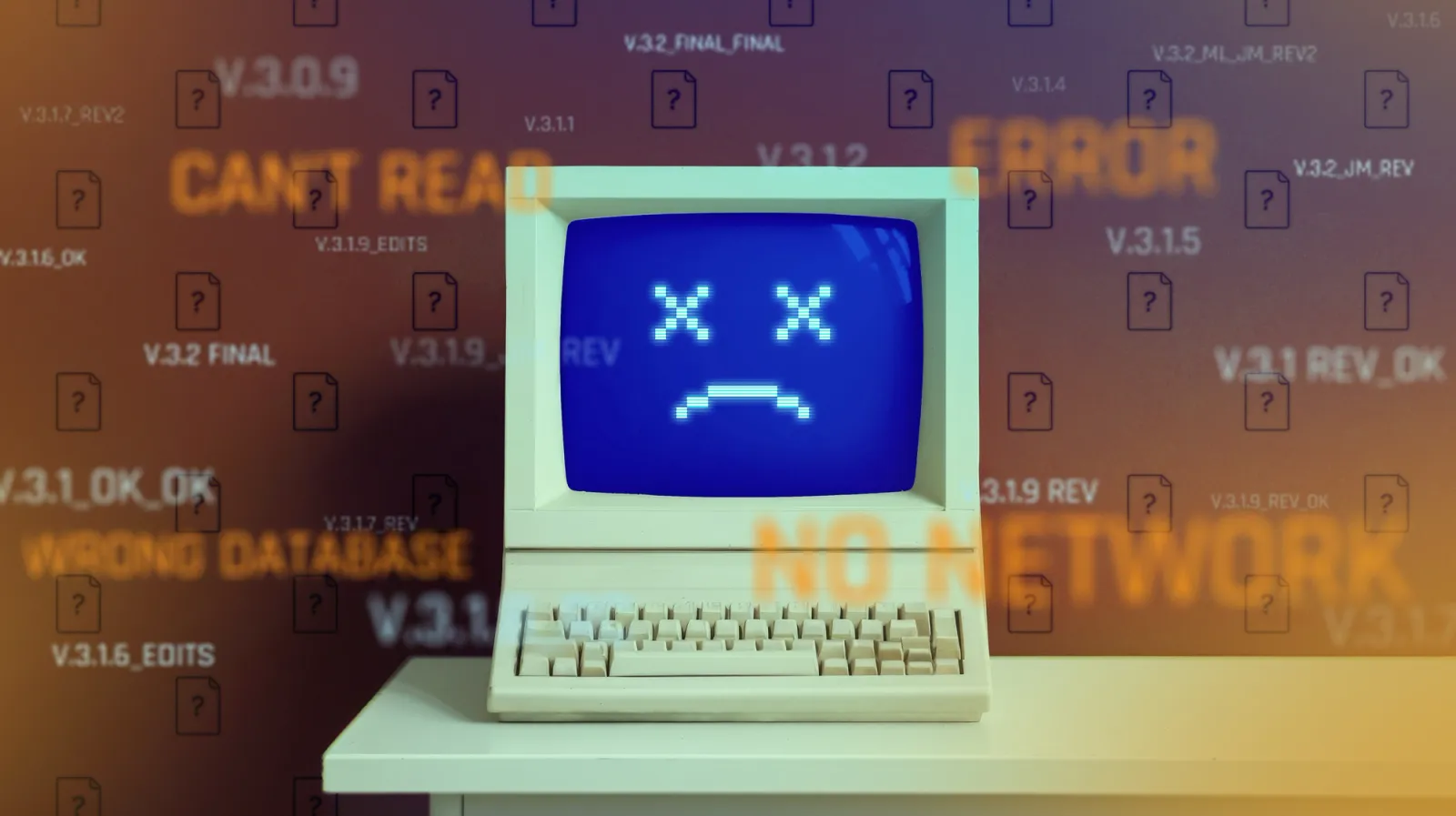
05:13
Quick Summary
- Traditional PDM slows engineers down with file freezes, sync issues, check-outs, and VPN-heavy workflows.
- The core issue is file-based CAD, where PDM exists to control files instead of supporting design.
- Onshape removes files entirely, making PDM invisible with cloud-native data, real-time collaboration, and a single source of truth.
If you want to hear a mechanical engineer groan, just whisper three letters: PDM.
Product Data Management (PDM) software was supposed to be the savior of hardware development. It promised to organize chaos, prevent lost files, and keep engineering teams aligned. Instead, for the last two decades, it has functioned more like a bureaucratic tollbooth, slowing down innovation and driving designers crazy.
But why is traditional PDM universally despised? And more importantly, how did Onshape, PTC’s cloud-native CAD & PDM solution, manage to flip the script and turn data management from a necessary evil into a competitive advantage?
Let’s break it down.
The Nightmare of Traditional PDM
To understand the dislike, you have to understand the daily workflow of an engineer chained to a traditional, file-based PDM system that embeds itself into your computer's operating system.
If you've lived this, your eye is probably twitching already. Here’s why engineers despise it:
1. The Unresponsive File Explorer
Traditional PDM systems often try to seamlessly integrate into your computer's standard file browser. In theory, this is great. In practice, it means that right-clicking a folder to check a file's status forces your entire file explorer window to freeze. You watch the agonizing spinning blue circle and a "Not Responding" message at the top of your screen just because the local client is struggling to ping the central SQL server.
2. Ghost Check-Outs and Corrupted Vaults
Legacy CAD crashes. It's a fact of life. But when your system crashes while communicating with the PDM server, the server doesn't always know you left. When you reboot, you might find that your files are still "Checked Out" by a ghost version of yourself. Now you have to track down the system administrator to forcefully unlock your own files so you can get back to work.
3. The Local Cache Synchronization Issues
Traditional PDM creates a “local working folder” (a cache) on your C:\ drive. This introduces a terrifying synchronization game. If you click “Get Latest” at the wrong time, you might accidentally overwrite three hours of your own unsaved local work. The PDM system wasn’t synchronized before opening that assembly? Congratulations, you are now working on outdated geometry.
4. The Mandatory Data Entry
Nothing kills engineering momentum faster than mandatory data entry. In legacy systems, simply trying to save a new file often triggers a blank "Data Card". Before you can secure your work, you are forced to stop designing and fill out metadata – descriptions, part numbers, material codes, and vendor strings – satisfying the database’s rigid rules before you are allowed to proceed.
5. The VPN
Traditional PDM systems were built for local office networks. Accessing the vault remotely requires firing up a VPN. Suddenly, opening an assembly means pulling gigabytes of discrete files through a narrow, encrypted tunnel. You get to stare at a progress bar for 20 minutes before you can even look at the design, let alone edit it.
The Root Cause: Legacy PDM is a Band-Aid
The fundamental problem isn’t that the software developers are bad at their jobs. The problem is the architecture.
Legacy PDM is a band-aid applied over a fundamentally flawed system: file-based CAD. As long as CAD data is stored in discrete files floating around on hard drives and local caches, you need a heavy, restrictive police force (PDM) to keep people from destroying each other's work.
What Onshape Did About It
When the founders of Onshape set out to build a new CAD system, they didn't just try to build a better PDM. We got rid of the file on your desktop computer entirely.
Here is how Onshape solved the PDM problem:
1. A Database, Not Files
Onshape is cloud-native. There are no discrete CAD files to sync to your C:\ drive. Your 3D models are stored as data entries in a secure, unified cloud database. Because there is no local cache, you never have to guess if you have the "latest version." When you open a document, you are instantly looking at the live, up-to-date data.
2. Built-In, Invisible PDM
In Onshape, PDM isn't a separate piece of software you have to battle. It is baked directly into the core platform. Every design action is recorded in the database instantly. There are no "Data Card" pop-ups holding your saves hostage, because there is no "saving." The data management happens invisibly in the background while you design.
3. Google Docs for Hardware
Because there are no files to lock, there is no check-in/check-out dialog box to navigate. Multiple engineers can open the exact same assembly – even the exact same part – at the exact same time. You can watch your coworker update the casing while you design the internal mounting bosses. It transforms hardware design into a collaborative, real-time process.
4. "Git" for Mechanical Engineers: Branching and Merging
Software engineers have used Git for years to explore ideas without breaking the main code. Onshape brought this to CAD. You can create a “Branch” of your workspace to try out a wild new design idea without locking the main assembly or bothering anyone else. If it works, you can “Merge” it back. If it fails, just delete the branch or retain it for future learnings.
5. Instant Access Anywhere (No VPN Required)
Because the heavy lifting is done in the cloud, there is no need to download gigabytes of files through a VPN. You can securely log into Onshape from a web browser on any computer (or even your phone) and instantly open massive assemblies.
6. Infinite Undo and a Single Source of Truth
Every single click, sketch, and extrude is logged in Onshape’s history tree. There are no “ghost check-outs” or corrupted local caches. You can scroll back to the exact state your design was in at 1:59 p.m. on a Monday three months ago.
Getting Back to Engineering
Engineers didn’t go to school to manage local caches, resolve read-only errors, or reboot their file explorer. They went to school to design products, solve problems, and build the future.
Traditional PDM forced engineers to spend an ungodly amount of time managing the process of design rather than actually designing.
Onshape didn’t just fix PDM – the team made it invisible. And for engineers everywhere, that is the ultimate breath of fresh air.
The Onshape Discovery Program
Learn how qualified CAD professionals can get Onshape Professional for up to 6 months – at no cost!
Latest Content
- Blog
- News from Onshape @ PTC
- Artificial Intelligence
- Custom Features
From Onshape Labs, the FeatureScript MCP Server: The Fastest Path to AI-Driven Design
08.11.2026 learn more- Blog
- Becoming an Expert
- Data Management
15 Things to Know Before Importing CAD Files into Onshape
08.06.2026 learn more- Blog
- Evaluating Onshape
- Model Based Definition
- PCB Studio
- Rendering
- Simulation
- Integrations
Onshape Features That Keep Your Design Data Connected: August 2026 Highlights
08.05.2026 learn more