
 Create a Student Account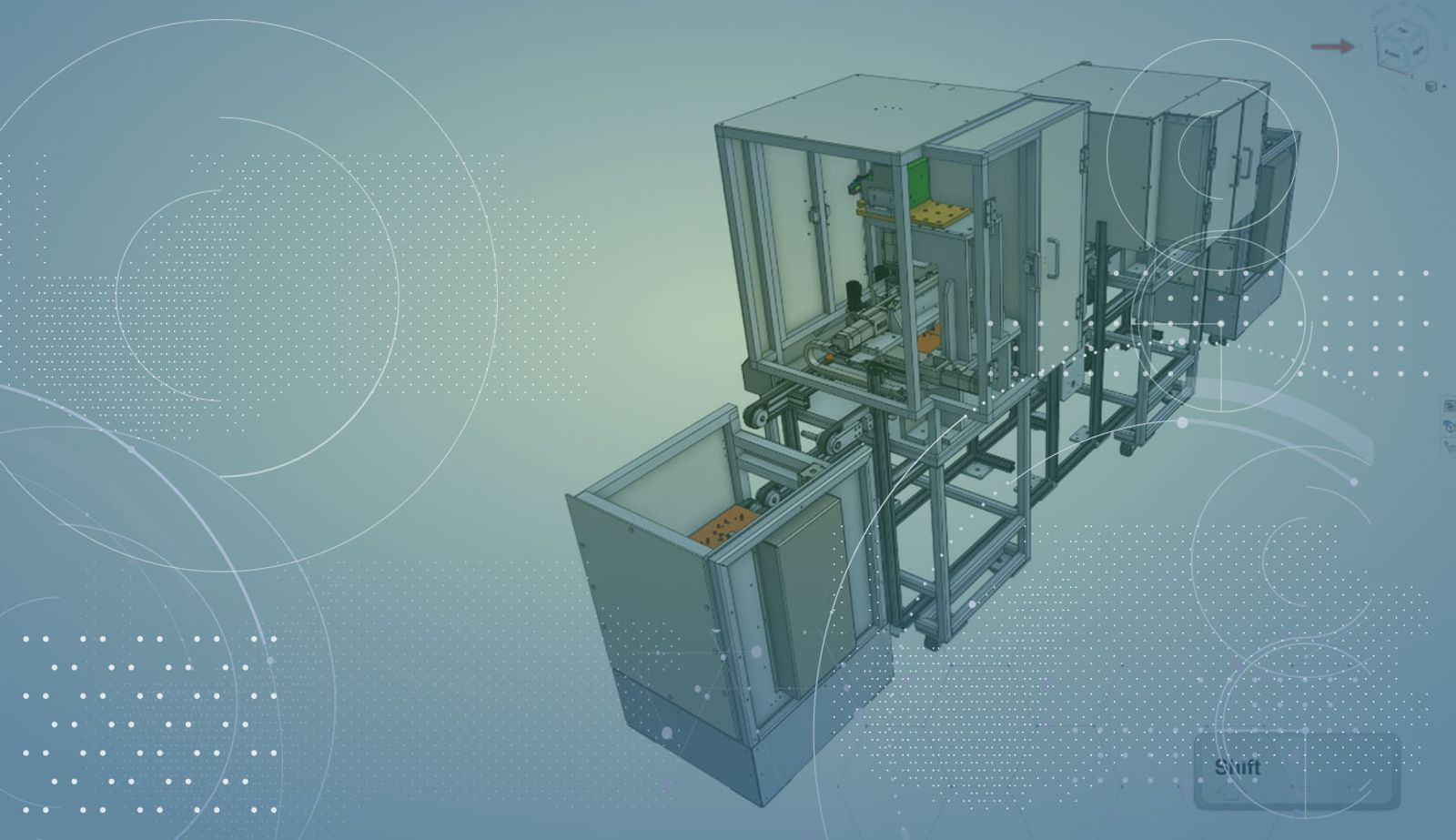
1:03
Today’s tech tip focuses on a newly released improvement that allows you to rotate your model in more precise increments than was possible previously. This improvement is especially for those of you who are trying to rotate your model to the perfect position for a named view. Let’s take a look.
One of the tools that you have for precise rotation is the view cube. The arrows around the view cube allow for 15-degree rotation movements from the model’s current position.
However, if 15 degrees is not precise enough, you can hold down the “Shift” key while clicking on the arrows.
This will rotate the model in 5-degree increments, giving you much more control. If you are a fan of keyboard shortcuts, you can hold down the “Shift” key and click the arrow keys on the keyboard to also get a more precise 5-degree rotation.
After you have finished moving your model into the right position, make sure to save that view as a named view so that you can easily return to it, or insert it into a drawing.
So that’s it! The next time you are looking for a custom view at a specific orientation, use the “Shift” key to help you rotate more precisely.
Latest Content
- Blog
- News from Onshape @ PTC
- Artificial Intelligence
- Robotics
How Multi-Agent Orchestration Between Onshape and NVIDIA Improves CAD-to-Simulation Workflows
06.01.2026 learn more- Blog
- Evaluating Onshape
- Robotics
- Aviation, Aerospace & Defense
- Collaboration
- Integrations
- Arena PLM Connection
- Data Management
Why the Best Hardware Teams Have Started Talking Like Software Engineers
05.28.2026 learn more- Blog
- News from Onshape @ PTC
- Collaboration
Why Curiosity Builds Emotional Intelligence and Improves Engineering Workflows
05.27.2026 learn more